Termius Broadcast Input
Published on
Table of Contents
Running the same commands on multiple GPU servers is a common requirement. For example, batch updating systems, deploying training environments or checking status. It is inefficient to open multiple terminal windows to operate them one by one.
Broadcast Input Functionality Link to this section
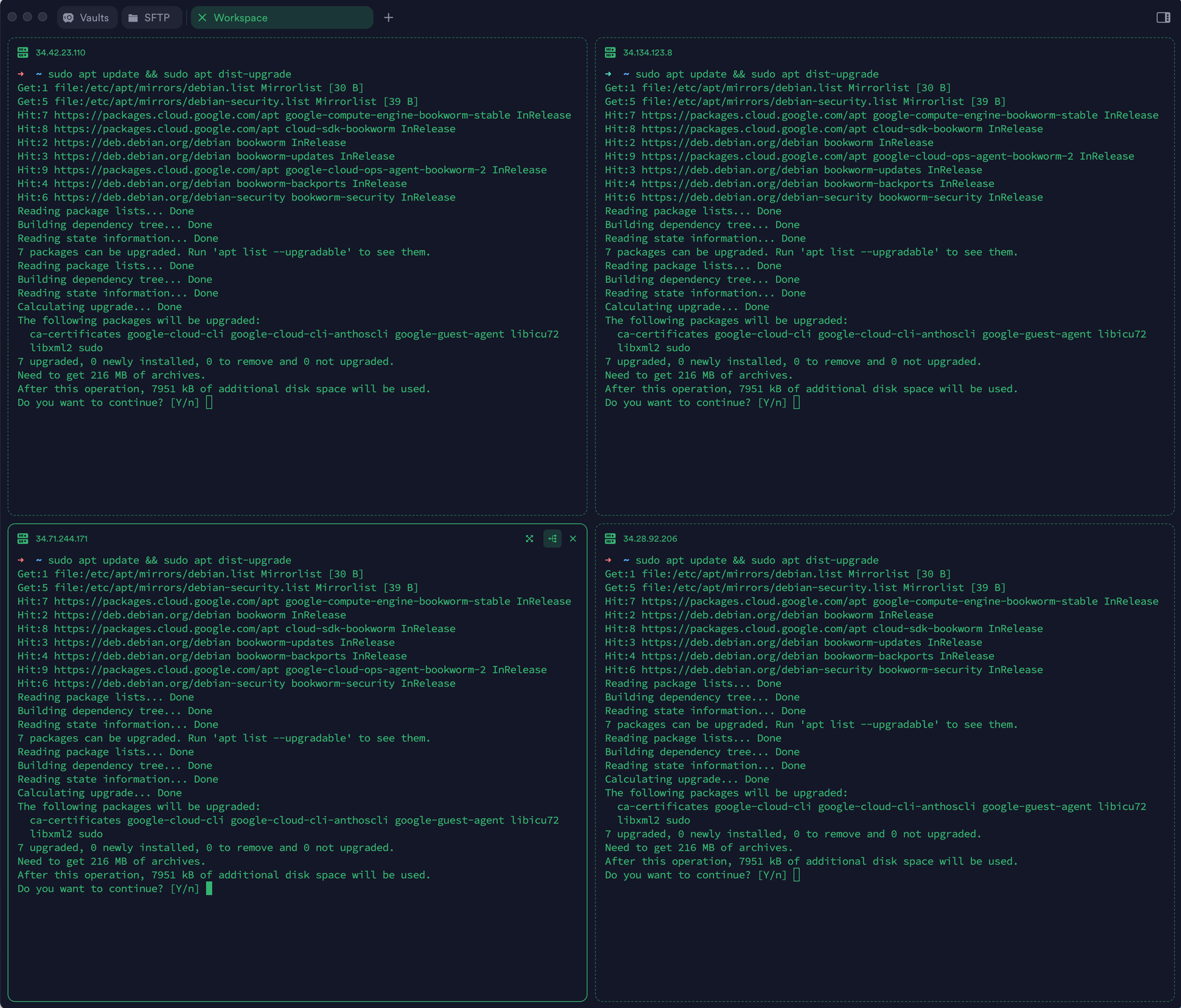
I recently discovered that Termius’ Broadcast Input feature can send my keyboard input to multiple terminals at the same time. After opening multiple SSH connections in split-screen view and enabling Broadcast Input, typing a command once will execute it on all servers at the same time and display the result of the run.
Practical Applications Link to this section
Batch environment deployment Link to this section
# Install deep learning environment simultaneously on 8 servers
conda create -n expname python=3.9 -y
conda activate expname
pip install torch==2.0.1 transformers datasets
Batch status checking Link to this section
# Check GPU usage on all servers simultaneously
nvidia-smi

# Continuously monitor system information
dool -cdngyltm --disk-util --disk-tps --fs 1
File operations Link to this section
# Batch create experiment directories
mkdir -p runs/qwen_$(date +%Y%m%d)

# Batch clean up logs
rm -rf runs/*/logs/*.log
Some details Link to this section
Support for up to 16 endpoints in a single view
Broadcasting can be switched on and off at any time
You can switch to single terminal operation via Focus mode.
Points to note Link to this section
Each terminal has a different processing speed, so wait for all terminals to finish the previous command before entering the next one.
Note that the configuration of different servers may vary (CUDA version, path, etc.).
Other options Link to this section
pssh: suitable for scripted batch operations
tmux synchronize-panes: alternative to terminalization
ansible: complex configuration management